San Diego Unified puts its screen-time reset into day-one Chromebook rules
A July 31 family notice spells out what changes on Aug. 10: video streaming on student Chromebooks is off unless teachers enable it for instruction, gaming stays blocked, and TK computer carts are being removed with accommodations preserved.
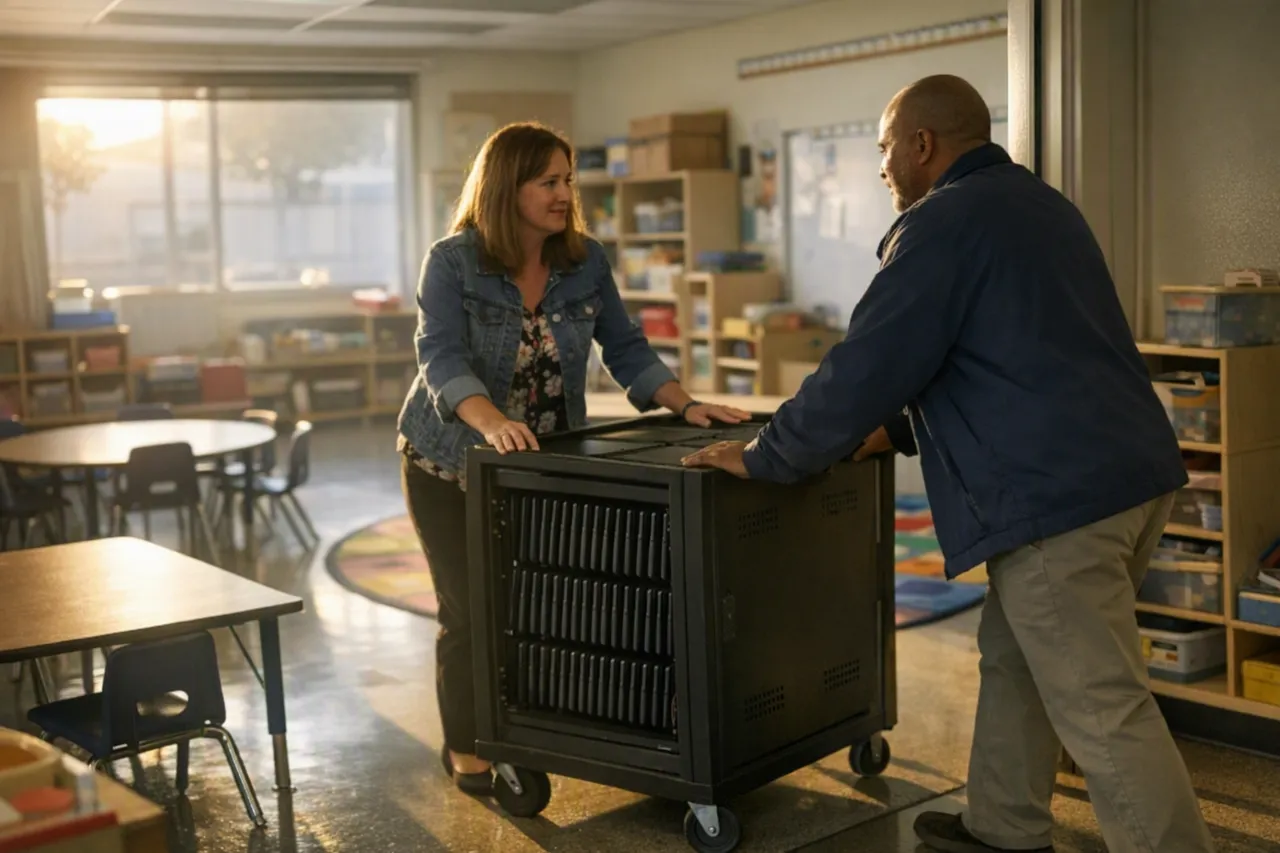
San Diego Unified is turning its screen-time debate into a set of first-day routines. In a July 31 notice to families, the district said that when the 2026-27 school year starts on August 10, district-issued Chromebooks will allow video-streaming platforms such as YouTube only when a teacher enables them for instruction, non-instructional gaming will remain blocked, and computer carts will be removed from Transitional Kindergarten classrooms, with continued access for students whose IEPs, 504 plans, or language-learning needs require it. (sandiegounified.org)
That matters because San Diego Unified already adopted the broader policy framework in June. What changed last week was the move from board resolution to family-facing operating rules: parents now know what students will see on day one, teachers know where discretion remains, and schools have a clearer line between routine screen use and exceptions. The district’s learner-centered technology resolution, approved by the board on June 23, launched a year-long review of technology practices and promised developmentally appropriate guidance across grade levels. (sandiegounified.org)
For educators elsewhere, San Diego’s case is less about whether screens are good or bad in the abstract than about sequencing. The district is not attempting an immediate all-device ban. Instead, it is starting with a handful of defaults that are easy to explain, easy to notice, and hard to evade: streaming is off unless a teacher turns it on, gaming stays off, and the youngest classrooms lose shared computer carts unless students need accommodations. (sandiegounified.org)
From resolution language to device settings
The operational design is the most useful part of this rollout. San Diego Unified’s June materials described the first phase as a restriction on video-streaming use on 1:1 devices, with educators able to enable access “only as needed to support unique learning outcomes.” The July 31 family notice translated that into plainer language for households: YouTube and similar services will be available on Chromebooks only when teachers enable them for instructional purposes. (sandiegounified.org)
That is a narrower and more workable move than a blanket prohibition. A teacher who needs a documentary clip, a pronunciation video, or a recorded demonstration can still use it; students simply lose default access to the platform during ordinary device use. In practice, that shifts the burden from constant classroom policing to a system setting, which is often how behavior actually changes at scale. That interpretation is supported by the district’s existing filtering setup, which already blocks some content on student devices and lets schools request access to sites needed for educational programs. (sandiegounified.org)
The same is true of gaming. Rather than trying to distinguish, in the moment, between every harmless diversion and every problematic one, the district kept non-instructional gaming blocked on district-issued devices. That gives school leaders a simple message to send at the start of the year and reduces the number of judgment calls teachers have to make in real time while supervising classes. (sandiegounified.org)
The TK decision follows the same logic, but with a developmental lens. San Diego Unified is removing computer carts from Transitional Kindergarten classrooms while preserving access for students with IEPs, 504 plans, or language-learning needs. The district’s public explanation frames the broader initiative around learning, safety, wellness, healthy development, and more opportunities for educator-led instruction and face-to-face interaction. For the youngest students, that translates into less routine device availability, not a denial of needed access. (sandiegounified.org)
The rollout pairs restrictions with escape valves
A common reason technology crackdowns stall is that the exception process is either too vague or too burdensome. San Diego Unified appears to be trying to avoid that trap. The July 31 notice explicitly preserved accommodations, and the district’s IT documentation says blocked sites needed for a student’s educational program can be addressed through teachers or school administrators, with schools able to allow certain websites or categories unless the district has fully restricted them. (sandiegounified.org)
That does not answer every implementation question. The district has not yet publicly spelled out, in the family notice, how quickly teachers will be able to enable streaming during live instruction, how consistent that process will look across schools, or how principals will monitor whether the exceptions are being used sparingly or routinely. But it does show a core governance choice: keep the default restrictive, then build in professional judgment and legal accommodations rather than trying to write one universal rule for every classroom. (sandiegounified.org)
The family communication matters, too. San Diego Unified did not just announce new limits; it also pointed parents to Blocksi controls they can activate outside school hours to monitor and restrict off-campus Chromebook use. That gives the district a way to argue that the school-day reset is not supposed to end at the final bell, while still leaving families with their own role in managing after-school device habits. (sandiegounified.org)
There is a pattern here. Last year, the district rolled out a phone-free school day for 2025-26 with a first-day start date, explicit exceptions for emergencies, health needs, IEPs and 504 plans, and educator-authorized instructional use. This year’s Chromebook restrictions use a similar template: a limited set of rules, clear exemptions, and family messaging before school opens. For other districts, that continuity may be the real lesson. It is easier to enforce a culture shift when staff and families recognize the playbook. (sandiegounified.org)
What is still unsettled
The July 31 notice is best read as phase one, not the finished policy. San Diego Unified’s learner-centered technology page says the June 23 resolution started a year-long, research-informed process to review district technology practices, revise related policies, and develop grade-level guidance with educators, students, families, researchers, and community partners. Families are told to expect additional updates as that work continues. (sandiegounified.org)
Independent coverage suggests the next rounds could be broader. KPBS reported after the June board vote that the district plans to create grade-level guidelines and review all instructional software, while EdSource reported that later guidance was expected to address device use by grade level, subject, linguistic need, and disability, and described a gradual removal of computer carts from TK through second grade. Those details are important, but they are not all reflected in the July 31 family notice, which confirms TK cart removal now and leaves later steps for future district guidance. (kpbs.org)
That gap is not a flaw so much as a reminder of what implementation looks like in a large district. Board members can pass a wellness-oriented resolution in June, but schools still need August rules that can be loaded onto devices, explained to families, and honored with accommodations on the first day. San Diego Unified’s first move was to choose the measures most suited to that kind of rollout: change the default settings, protect exceptions, and communicate early. (sandiegounified.org)
Whether the strategy changes classroom life in a lasting way will depend on what comes next. The unresolved questions are the hard ones: how much teacher-enabled streaming will persist in everyday instruction, whether later grade-band guidance narrows device use further, how aggressively the district reviews its software stack, and what evidence leaders use to judge whether students are actually more focused, less distracted, and better served. For now, though, San Diego Unified has offered something many screen-time debates never reach: a concrete first-day operating model that other districts can study before they try to write their own. (sandiegounified.org)
More from School Leadership

NYC Public Schools’ AI tool list shows why districts must audit software features
A newly disclosed list of 38 flagged products shows that New York City’s AI rules often hinge on student-facing generative features, not entire apps. For school leaders, the bigger lesson is to ask vendors what AI is embedded, whether students can use it directly, and whether it can be turned off without disrupting instruction.

Indiana absenteeism improves again, with lessons from two local turnarounds
State data show chronic absenteeism fell to 14.9% in 2025-26, though rates remain highest in high school and above pre-pandemic levels. Two Indiana case studies point to a practical playbook: spot risk earlier, contact families quickly, and follow up before absences harden into a pattern.

Study warns districts not to overread efficiency rankings
A new school-finance working paper finds measured district inefficiency has widened since 2011, but says interstate comparisons may be distorted and that lower-efficiency systems differ more in overall staffing intensity than in central-office spending alone.